
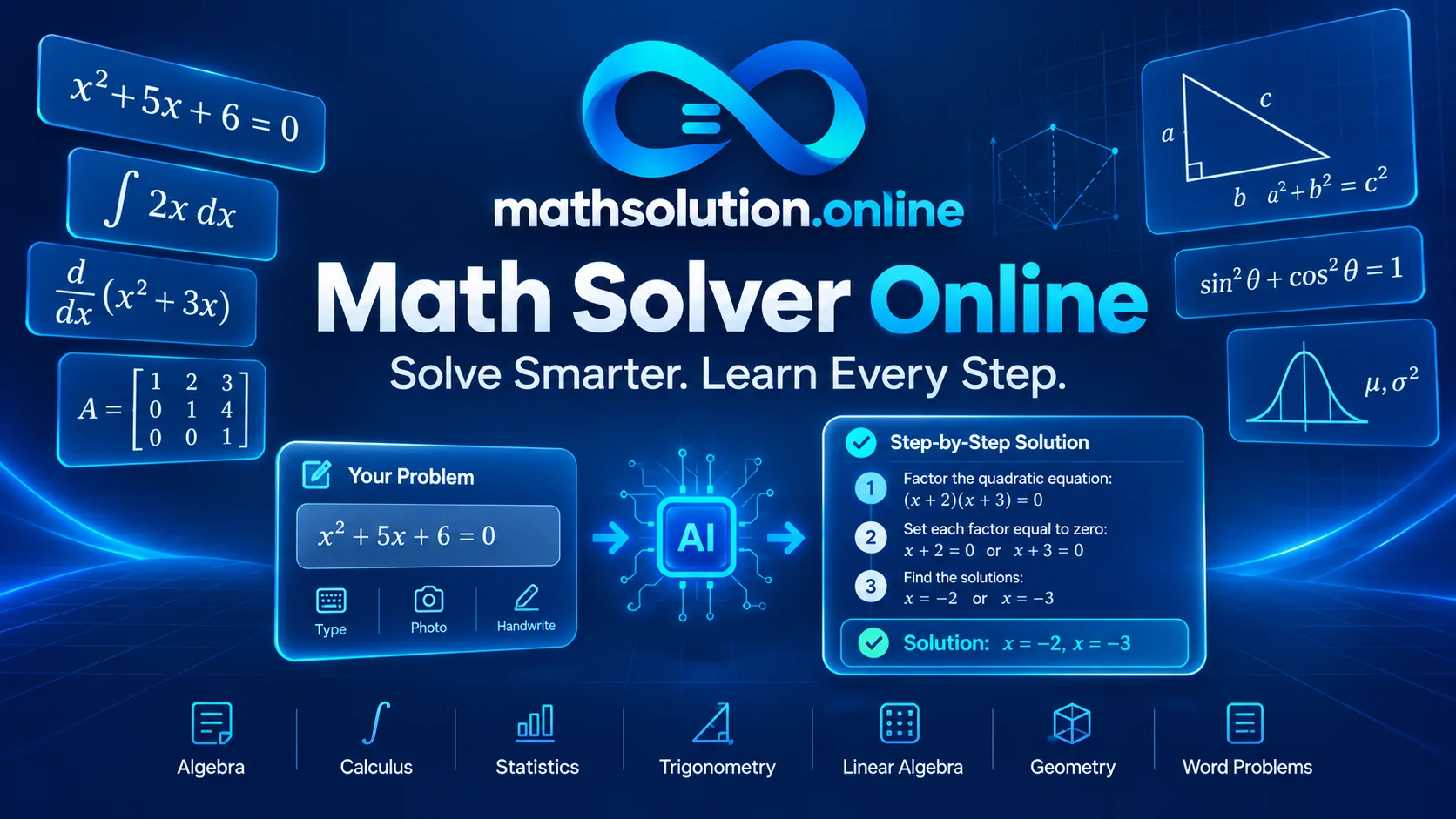
A math solver online is an AI-powered tool that provides instant step-by-step solutions to math problems—from basic algebra to advanced calculus. The best tools (Wolfram Alpha, Symbolab, Mathway, Photomath) excel at different tasks, but research shows even the top performers occasionally produce incorrect answers. The key is using them strategically: attempt the problem first, verify with a second tool, and focus on understanding each step rather than copying the final result.
Why 84% of Students Now Use AI for Math (And What That Means for You)
In 2025, 84% of U.S. high school students reported using generative AI for schoolwork—up from 79% just months earlier. For mathematics specifically, engineering students combine general chatbots (ChatGPT at 62.7%) with specialized solvers like Mathway (51.7%) and Photomath (48%).
This shift isn’t just about convenience. It’s about access. A student in a rural area with no private tutor can now get step-by-step explanations for a calculus problem at 2 AM. A parent helping with homework they barely remember can verify answers instantly. The question is no longer whether you’ll use a math solver online it’s how to use one without sabotaging your own learning.
This guide breaks down the top tools, their real strengths and weaknesses (backed by academic research), and a practical framework for using them wisely.
What Is a Math Solver Online, And How Do These Tools Actually Work?
A math solver online is any web or mobile application that accepts a mathematical problem typed, photographed, or handwritten, and returns a solution, typically with step-by-step explanations. These tools fall into two broad categories:
Computational Engines (CAS-Based): Tools like Wolfram Alpha and Symbolab use computer algebra systems, mathematical software that manipulates symbols exactly rather than approximating. These are deterministic: the same input produces the same output, every time. Wolfram Alpha, in particular, is praised for its precision: it “does not make mistakes” in arithmetic.
Generative AI Tools: Tools like ChatGPT, MathGPT, and newer entrants use large language models trained on vast mathematical text. They can explain concepts in natural language and adapt to different learning styles, but they’re probabilistic, which means they can occasionally hallucinate incorrect steps or answers.
Camera-Based Solvers: Photomath, Microsoft Math Solver, and Google Lens use computer vision to read handwritten or printed problems from your camera. They then route the problem to either a computational engine or an AI model.
The distinction matters. A 2025 study in the ACM Digital Library evaluated tools including Photomath, Wolfram Alpha, ChatGPT Pro, Symbolab, MathosAI, and MATHia on first-year secondary mathematics problems. The finding was blunt: “While these tools are useful in mathematics education, they often provide inaccurate solutions. Therefore, students and teachers should evaluate the answers generated by these Gen-AI tools and not consider them absolutely correct”.
The practical takeaway: No solver is infallible. Treat every solution as a draft, not gospel.
The 6 Best Math Solver Online Tools (Tested & Ranked)
Here’s how the major players compare on the metrics that actually matter for students:
| Tool | Best For | Input Methods | Free Tier | Accuracy Reputation | Key Limitation |
|---|---|---|---|---|---|
| Wolfram Alpha | Advanced calculus, verification, STEM | Text, photo (Pro) | Answers only | Highest (computational) | Steep learning curve; step-by-step requires Pro |
| Symbolab | Algebra, calculus, exam prep | Text, photo, Chrome extension | Limited steps | High for algebra/calculus | Word problems weaker; subscription for full steps |
| Mathway | Broad K-12 + college coverage | Text, photo, handwriting | Answers only | Solid across topics | Step-by-step locked behind paywall |
| Photomath | Quick scanning, arithmetic-algebra | Camera (mobile) | Full steps for basics | Good for basic math | Limited to math; accuracy drops for advanced problems |
| Microsoft Math Solver | Free homework help, accessibility | Text, handwriting, photo | Full steps (free) | Variable; good for basics | Mobile app only; limited advanced explanations |
| ChatGPT (GPT-4o) | Concept explanations, word problems | Text, image | Generous free tier | Inconsistent for computation | Arithmetic errors; needs verification |
Sources: University of Westminster LibGuides, academic evaluations, and tool documentation
Wolfram Alpha: The Gold Standard for Computation
Wolfram Alpha isn’t a chatbot, it’s a computational knowledge engine. When you type an integral, it calculates it exactly. When you ask for eigenvalues, it returns precise values. It handles everything from basic arithmetic to differential equations, matrix operations, and statistical analysis.
Where it shines: Verification. If you’ve solved a problem manually, Wolfram Alpha confirms whether you’re right. Its free tier gives you the answer; Pro ($5/month for students) unlocks detailed step-by-step solutions.
The catch: The interface assumes mathematical literacy. It’s less “friendly tutor” and more “powerful instrument.”
Symbolab: The Step-by-Step Specialist
Symbolab positions itself as “your private math tutor in your pocket”. It excels at algebra, calculus, trigonometry, and matrices, with a Chrome extension that lets you screenshot problems directly from homework platforms like Pearson, WebAssign, and IXL.
The real value: Symbolab’s step-by-step explanations are structured around rules and reasoning—not just “here’s what to do next” but why each step is valid. The free version shows you the answer and basic steps; the subscription unlocks full explanations and practice quizzes.
Limitation: A 2025 academic evaluation noted Symbolab’s word problem capabilities are weaker than its symbolic math strength.
Photomath: The Homework Scanner
Photomath pioneered camera-based solving. Point your phone at a handwritten or printed problem, and it reads the equation, solves it, and shows steps. The free version covers arithmetic through calculus with step-by-step solutions; Photomath Plus adds explanations of underlying rules and concepts.
The problem: Research from Serbian mathematics education journals warns that Photomath’s scan-to-solve workflow can “lead to unwanted effects, such as reduced ability for independent work and insufficient achievement of learning outcomes”.
The fix: Use it as a checker, not a first responder. Attempt the problem, then scan to verify.
How to Use a Math Solver Online Without Wrecking Your Learning
Here’s a framework I’ve developed after analyzing the research on AI-assisted learning—and it’s the part most guides skip.
The 3-Pass Method
Pass 1: Attempt without assistance. Work the problem using your notes, textbook, or memory. Struggle is not a bug, it’s the mechanism of learning. Cognitive science consistently shows that productive struggle builds durable problem-solving skills.
Pass 2: Check your answer. Use a computational tool (Wolfram Alpha for calculation, Symbolab for steps) to verify your result. If you’re correct, move on. If you’re wrong, identify where the divergence happened.
Pass 3: Re-solve from the point of error. Don’t just read the correct solution. Close the solver, take a blank sheet, and re-work the problem from the step where you went wrong. This is where actual learning happens.
A 2025 study in Education and Information Technologies found that high school students and teachers valued ChatGPT’s “explanatory and detailed aspects” but also acknowledged its constraints, the students who benefited most were those who engaged critically with the output rather than passively accepting it.
The Verification Rule
Never submit a ChatGPT-computed answer without verifying it with Wolfram Alpha or manual calculation. Generative AI models have been documented to produce “subtle reasoning gaps, incorrect intermediate steps, or explanations misaligned with a learner’s grade level”.
One tool is never enough. The most effective students use a portfolio: ChatGPT for conceptual explanations, Wolfram Alpha for computation, Photomath for quick checks, Symbolab for structured steps.
Subject-by-Subject Tool Guide
Different math domains call for different tools. Here’s what the research and tool capabilities suggest:
| Subject | Primary Tool | Secondary Tool | Strategy |
|---|---|---|---|
| Arithmetic/Pre-Algebra | Photomath | Microsoft Math Solver | Scan to check; verify manually |
| Algebra | Symbolab | Wolfram Alpha | Symbolab for steps, Wolfram for verification |
| Geometry | GeoGebra | Symbolab | Visual tools for spatial reasoning |
| Trigonometry | Symbolab | Wolfram Alpha | Watch for notation differences |
| Calculus | Wolfram Alpha | Symbolab | Wolfram for computation; Symbolab for step clarity |
| Statistics | Wolfram Alpha | ChatGPT | ChatGPT for concept explanation; Wolfram for calculation |
| Linear Algebra | Wolfram Alpha | Symbolab | Wolfram for eigenvalues/determinants |
| Word Problems | ChatGPT | MathGPT | AI for setup; verify math separately |
Based on tool capabilities documented in academic sources and evaluation studies
When Math Solvers Get It Wrong: The Accuracy Problem
Here’s what most articles won’t tell you: AI math tools fail more often than their marketing suggests.
A 2025 study in the ACM Digital Library tested Photomath, Wolfram Alpha, ChatGPT Pro, Symbolab, MathosAI, and MATHia on first-year secondary math exercises. The conclusion: “The results of the preliminary quantitative evaluation showed that MathosAI and MathGPT Pro outperformed other tools in exercises from easy to difficult level. However, while these tools are useful in mathematics education, they often provide inaccurate solutions”.
A separate study published in a mathematics education journal documented specific failure modes:
- Missing edge cases: A linear equation solver gave the same output for equations with no solution and infinitely many solutions
- Correct but unhelpful answers: Wolfram Alpha returned an expanded polynomial instead of the more elegant substitution-based integral correct, but pedagogically worse
- Inconsistency: The same prompt could yield different results depending on timing or browser
What this means for you: If you’re using a solver to check homework, always cross-reference with a second tool or your textbook. If two tools disagree, work through the problem manually.
The Future of Math Solvers: What’s Coming
Several trends are reshaping this space:
Hybrid human-AI models: Systems like Tutor CoPilot and Astra AI are moving toward a “teacher-in-the-loop” approach, where AI augments rather than replaces human instruction.
Adaptive learning engines: ALEKS and Mathspace use “mixture-of-experts” AI to provide voice-based coaching, with Mathspace’s 2025 update specifically targeting students with reading difficulties.
Verification-first design: Brainly’s 2025 “AI Learning Companion” verifies scanned solutions against textbook databases, citing specific academic sources rather than generating raw AI text.
The trajectory is clear: the best tools won’t just solve problems, they’ll explain their confidence level, cite sources, and adapt to individual learning gaps.
Frequently Asked Questions
What is the most accurate math solver online?
Wolfram Alpha has the strongest reputation for computational accuracy because it’s a deterministic engine, not a probabilistic AI. However, a 2025 academic study found that MathosAI and MathGPT Pro outperformed other tools on first-year secondary exercises, though all tools occasionally produced incorrect solutions.
Can I use a math solver online for free?
Yes. Wolfram Alpha, Symbolab, Mathway, Photomath, and Microsoft Math Solver all offer free tiers. Free versions typically provide answers and limited steps; detailed step-by-step explanations often require subscriptions ($5-$15/month).
Is it cheating to use a math solver?
The answer depends on how you use it. Scanning every problem before attempting it bypasses the cognitive work that builds understanding. Using a solver to check your work after attempting it, or to understand where you went wrong, is a legitimate learning strategy—similar to checking the back of the textbook.
Which math solver is best for calculus?
Wolfram Alpha for computation and verification; Symbolab for step-by-step clarity. For conceptual understanding, ChatGPT can explain the why behind integration techniques, but verify all calculations with Wolfram Alpha.
Can AI math solvers handle word problems?
Their performance is weaker than for symbolic problems. ChatGPT and MathGPT are better at parsing natural language and setting up equations, but they still struggle with multi-step word problems. Always verify the setup and arithmetic separately.
The Bottom Line
A math solver online is a tool nothing more, nothing less. Used passively, it can undermine the productive struggle that builds mathematical thinking. Used strategically, it can provide the kind of immediate, personalized feedback that was once available only to students with private tutors.
The students who benefit most from these tools are those who treat them as verification partners, not answer vending machines. Attempt first. Check second. Re-solve from your errors. That’s not just how you pass a test, it’s how you actually learn math.